Teleprompter software for scripts, displays, remotes, and teams
Start with a personal prompting setup, then add the viewer displays, controls, offline workflows, and team tools your work requires.
Prompt from Any Browser
Run the teleprompter on desktop or mobile. Adjust speed, typography, margins, cue markers, timers, fullscreen, and mirror settings for the way each speaker reads.
- Smooth variable-speed scrolling
- Mirror mode for beam-splitter rigs
- Session timers & estimated read time
- Fullscreen & installable app support
- Rich text formatting & markers
- Speaker Profiles. Save named configurations for different presenters. Switch instantly from the control bar.
- Right-to-Left Languages. Get full support for Hebrew, Arabic, and other RTL scripts in the editor and prompter.

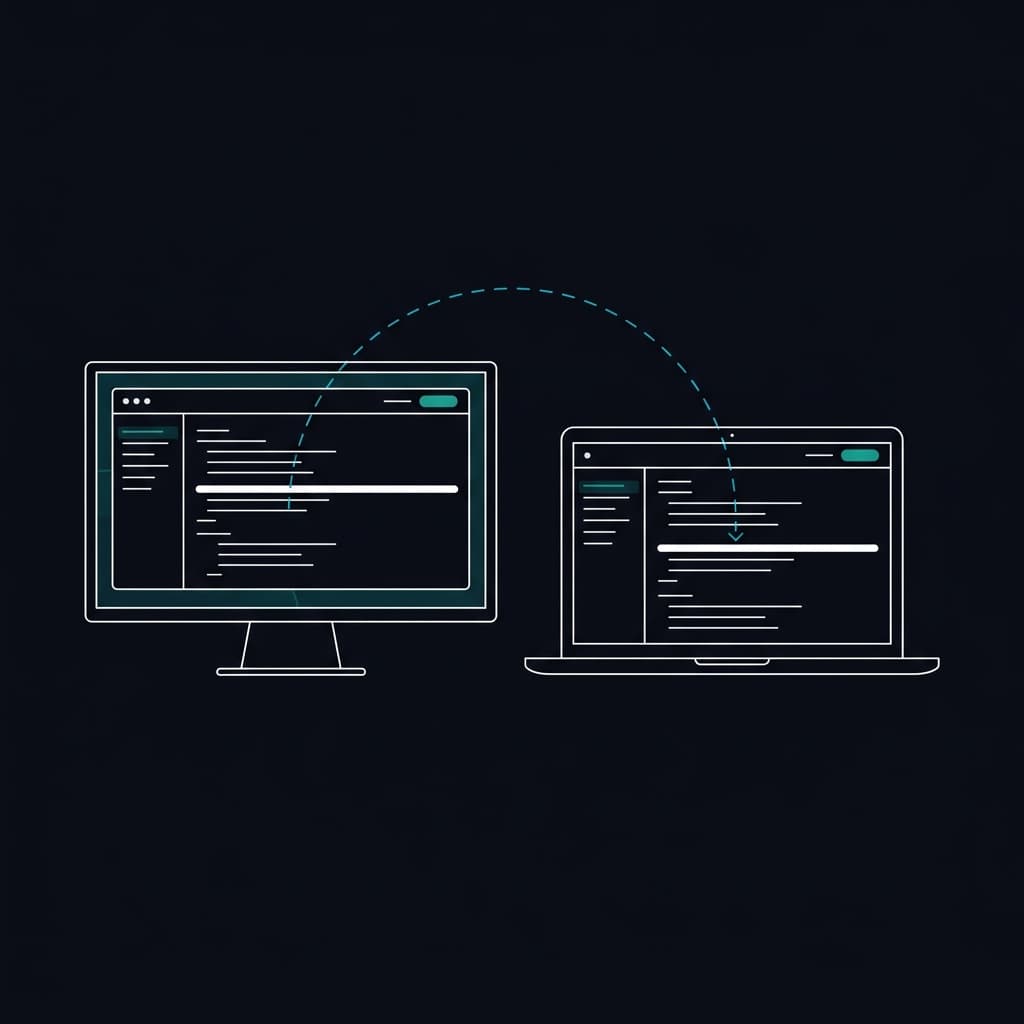
Connect Local and Remote Viewer Displays
Open a local viewer window or send a secure display link to another device. Each viewer follows the prompting session while keeping its own display settings. PaceMirror™ is EasyPrompter's trademarked, patent-pending synchronization technology for this multi-screen workflow.
- Connect any display instantly via link or QR code
- Works across any screen size, aspect ratio, or orientation
Edit and Sync Scripts Offline
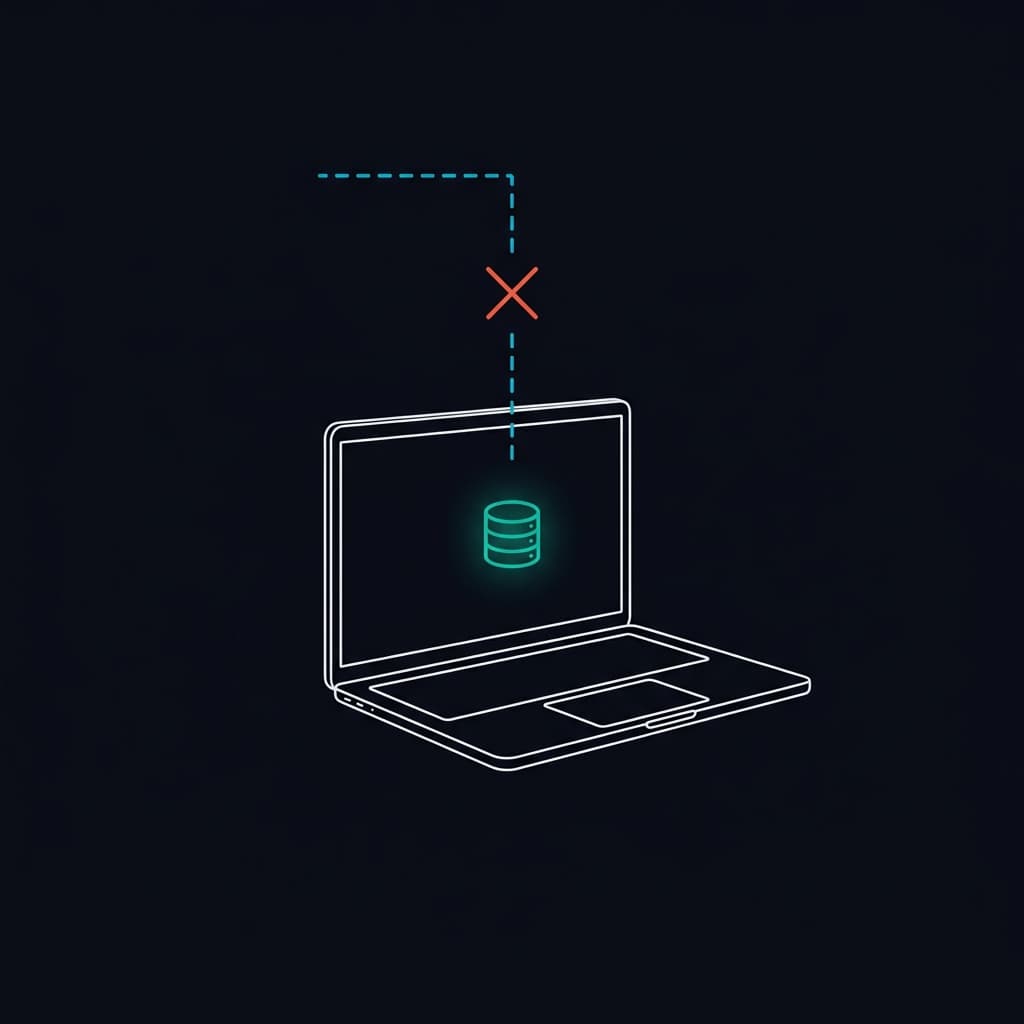
Prepare scripts for offline use, continue editing where available, and synchronize changes when the connection returns.
- Runs directly in your browser, even without internet
- Automatic sync when your connection is restored
- Create and edit scripts completely offline
- Instant protection against Wi-Fi dropouts
Write and Organize Scripts
Create rich-text scripts with markers and pauses. Save personal or team scripts, organize them into collections, and import existing files.
- Unlimited scripts on paid plans
- Organize with collections
- Quick search by title
- Star & sort favorites
- Import & Export. Bring in scripts from Word documents, plain text, and other formats. Export to Word or PDF when you need to share outside the app.
Share Scripts
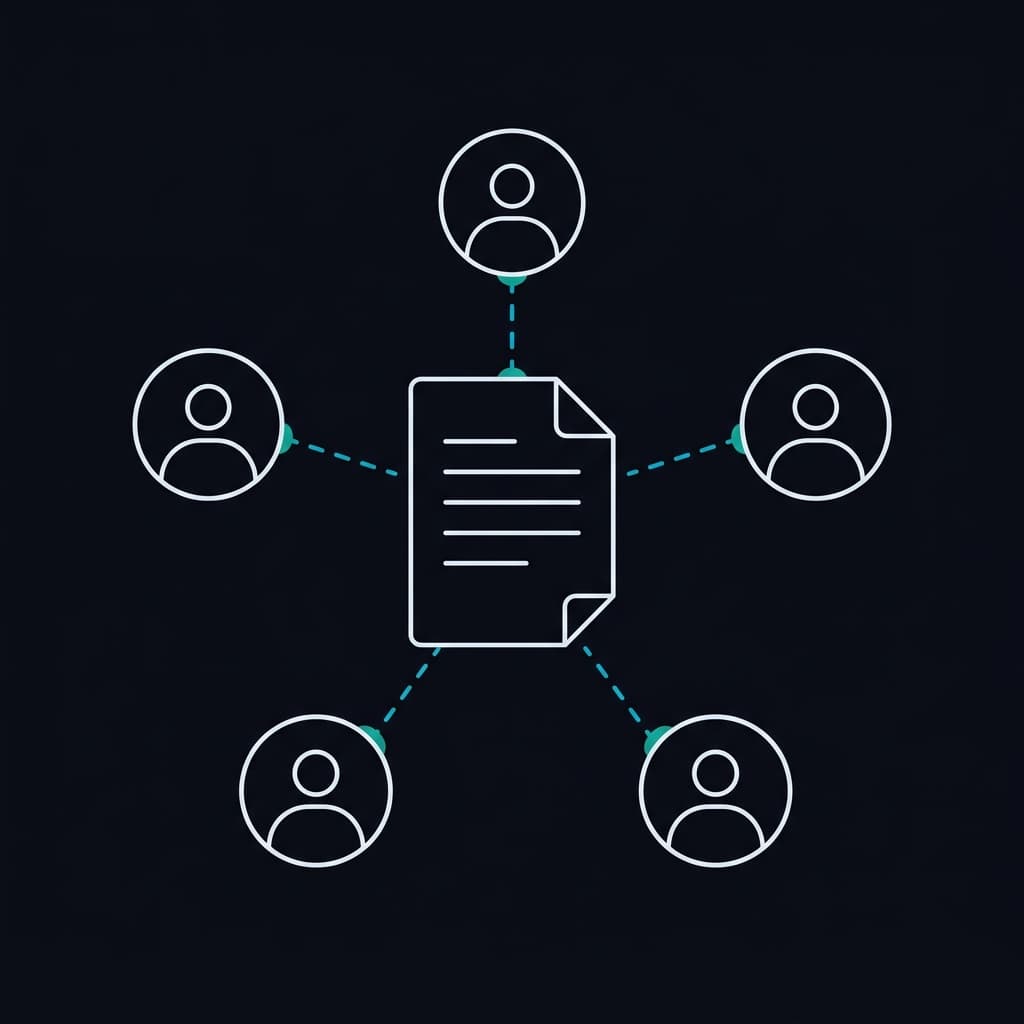
Share with named users and role groups, or create a read-only external link for someone who should not join the workspace.
- Secure share links
- Custom expiration policies
- Instant link revocation
- Script or collection-level sharing
Work with a Team
Keep team scripts and collections in an organization-owned workspace. Assign Admin, Producer, Editor, and Talent access for each person's work.
- Organization workspaces
- 4 built-in roles
- Fine-grained permissions
- Talent (guest) seats - always free

Control Live Prompting Sessions
Use Operate Mode, the control view for connected screens, to see what each presenter sees, adjust individual settings, edit during playback, switch scripts, hide controls, black out displays, and check connections.
- Manage local, remote, and OBS screens from one panel
- Identify, rename, and disconnect any screen instantly
- Instant Blackout. Black out every connected display during breaks or transitions with one tap. Your operator view stays dimmed so you can still read.
- Control Dashboard. Access your mobile remote QR code, keyboard shortcuts, and hardware integrations from a single command center in the toolbar.
- Precision Shuttle. Adjust scroll speed in either direction to keep pace with the presenter.
Manage Organization Access
Separate workspace administration, prompting-session operation, content editing, and view-and-prompt access with production roles.
- Managed organization rollout
- Studio workspace controls
- Role-based production access
- Dedicated support & SLA
Control with a Phone or Production Hardware
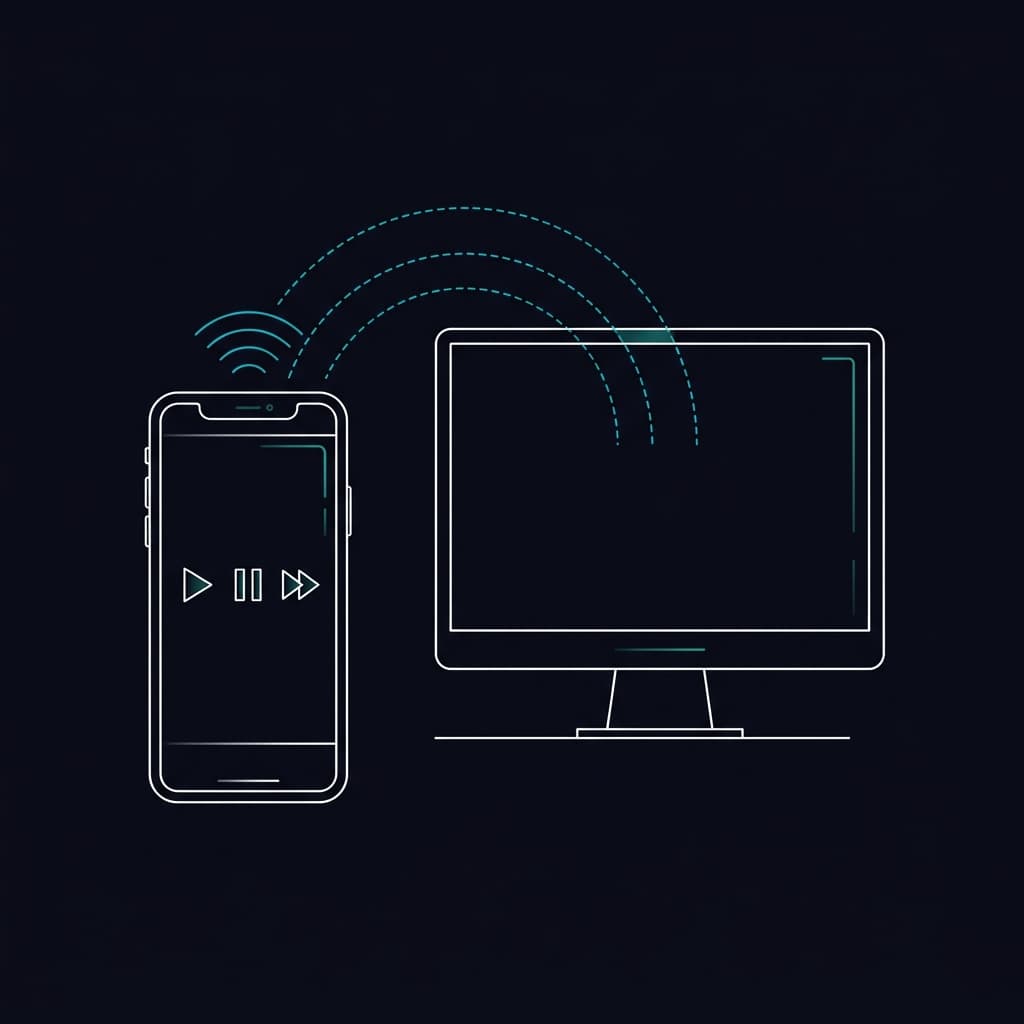
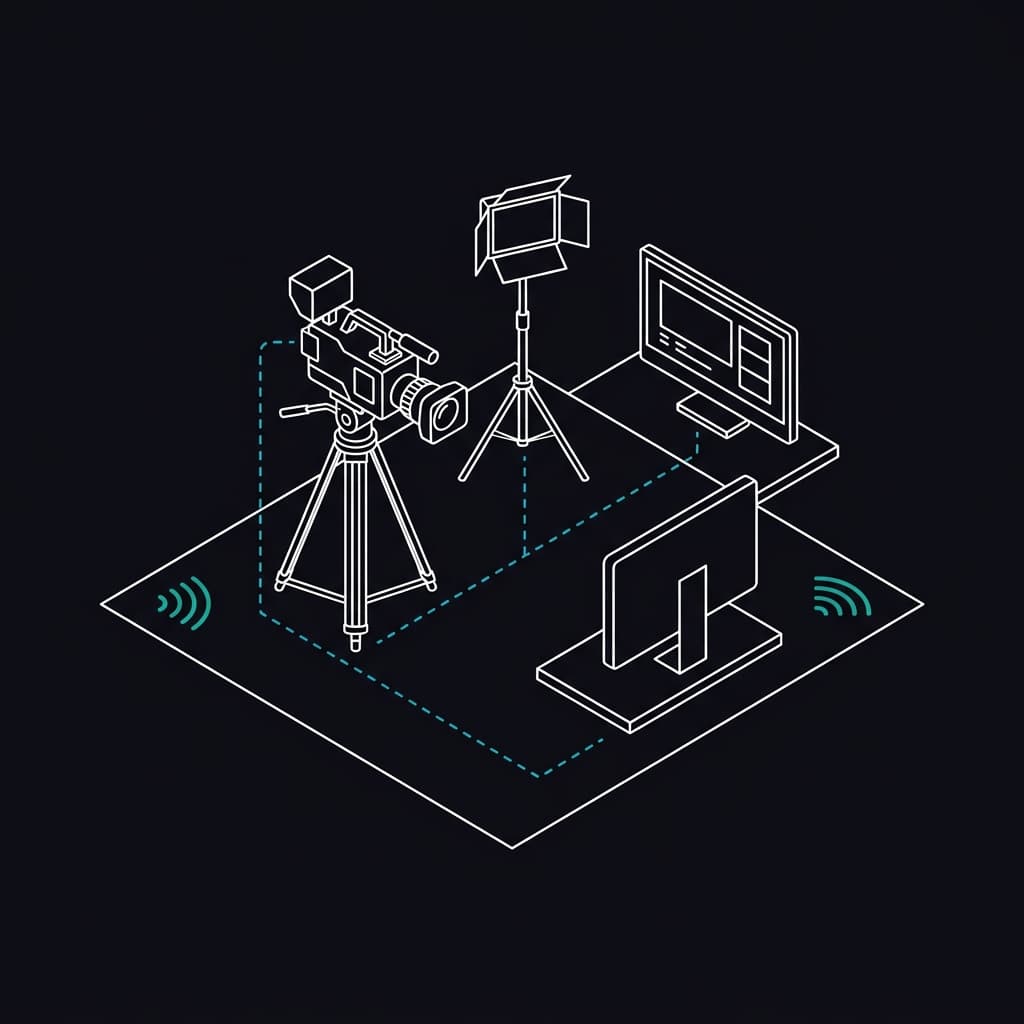
Use the phone remote in gesture or button mode, customize keyboard and pedal controls, connect Stream Deck or Bitfocus Companion, and add an OBS or vMix browser-source overlay.
- OBS Browser Source overlay with transparent background, no chroma key needed
- Stream Deck & Stream Deck+. Dedicated buttons for every prompter action. Stream Deck+ models include touch-sensitive dials with live readouts for speed, font size, and margins.
- Bitfocus Companion. Start with ready-made buttons for playback, speed, markers, display settings, and live status. Advanced users also get 21 actions, 11 variables, and 24 presets for X-Keys, MIDI controllers, Loupedeck, and other Companion devices.
- Simple Setup. Create a secure connection key and your hardware connects automatically each time you open the prompter. It reconnects on its own after brief network interruptions.
Start with the prompting workflow you need
Create a script, open the teleprompter, and connect viewer displays or remote controls when your setup requires them.
Try EasyPrompter