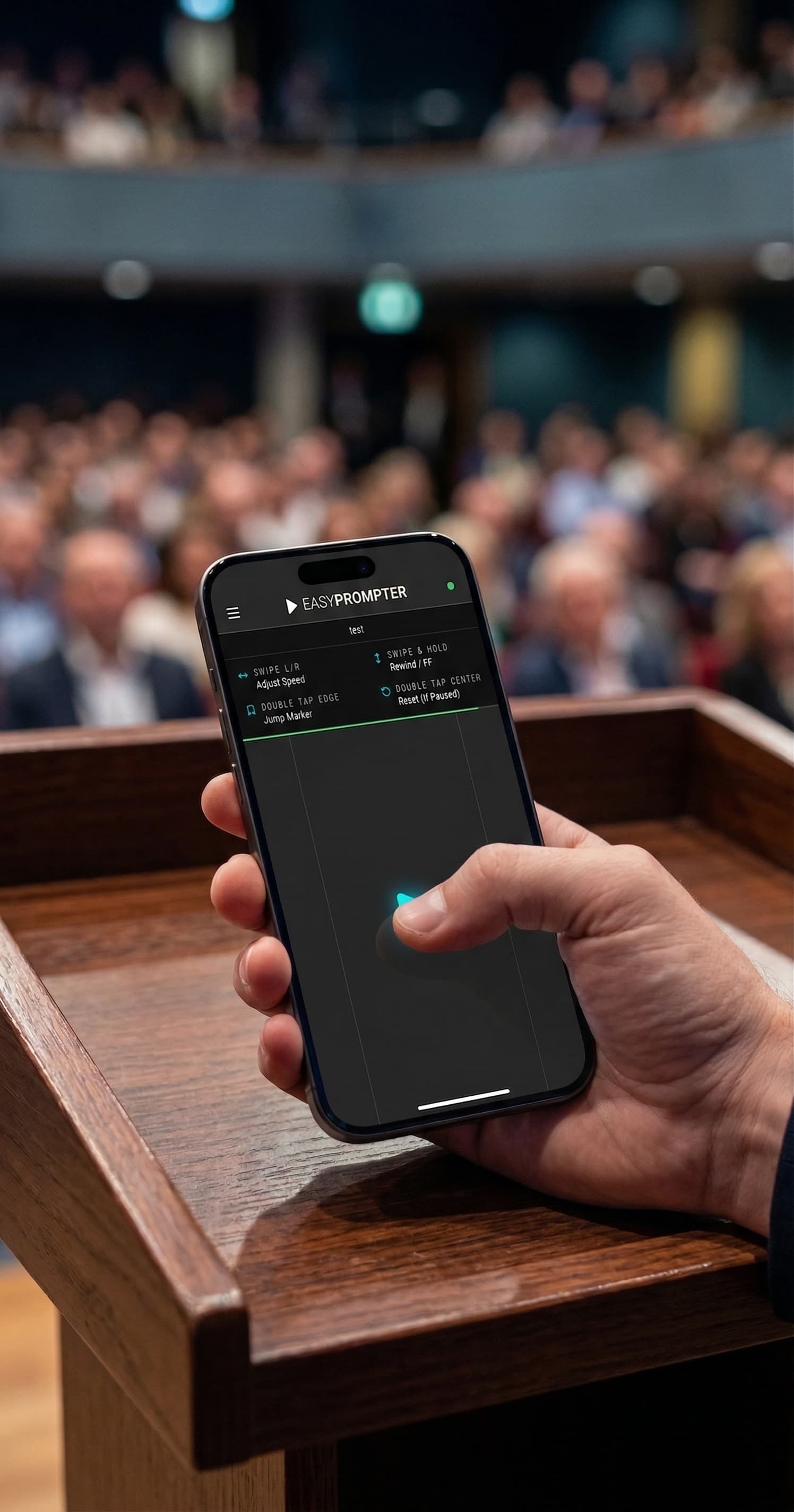
Control your teleprompter from your phone or production hardware
Choose the controller that fits your setup. Scan a QR code for phone control, map a keyboard or pedal, or connect Stream Deck and Bitfocus Companion for dedicated prompting controls.
Use a Phone as a Teleprompter Remote
Open the remote in your phone's browser and control the active prompting session without returning to the operator computer.
Swipe to Adjust Speed.
Slide up or down to fine-tune scroll speed in real time.
Switch Scripts.
Jump between scripts without walking back to the operator screen.
Jump to Markers.
Tap any marker to skip to a specific section instantly.
Control EasyPrompter with Stream Deck
Get dedicated buttons for play, pause, speed, markers, and blackout. Stream Deck+ models add touch-sensitive dials with live readouts for speed, font size, and margins.
One-Touch Actions.
Play, pause, jump to markers, toggle blackout, switch scripts, and adjust speed directly from physical buttons.
Stream Deck+ Dials.
Turn the physical dials to adjust speed, font size, line height, and margins. The touch strip shows the current value as you work.
Plug and Play.
Generate an integration key in settings. Your Stream Deck connects automatically every time you open the prompter.
Add EasyPrompter to Bitfocus Companion
Start with ready-made Companion buttons for playback, speed, markers, display settings, and live status. Advanced users also get 21 actions, 11 variables, 4 feedbacks, and 24 presets.
Any Surface.
Use a Stream Deck, X-Keys, MIDI controller, Loupedeck, or touch screen. Any Companion-supported device works.
Live Variables.
Current speed, font size, scroll position, script name, and connection state are available for button labels and triggers.
Ready-Made Presets.
Start controlling immediately with 24 pre-built button configurations.
Use Pedals, Clickers, and Keyboard Controls
Step on a pedal to scroll. Click a remote to advance. Keep your hands free and your eyes on the camera.
Foot Pedals.
Compatible with Elgato Stream Deck Pedal, iKKEGOL, PageFlip Firefly, Butterfly, and AirTurn.
Presentation Remotes.
Use Logitech Spotlight, R500, R800, Kensington Presenter, or any clicker that sends arrow keys.
Keyboard Mapping.
Remap any key or pedal press to any prompter action from the controller mapping editor.
Connect Hardware with a Secure Setup Key
An Integration Key is a secure code that connects a hardware controller without sharing your EasyPrompter password. The controller can reconnect automatically, and you can remove its access from Settings.
Automatic Reconnection.
Did the network drop? Your device reconnects on its own.
Per-Plan Limits.
Creator supports 1 Integration Key, Operator supports 3, and Studio supports 5 organization-owned keys. Each key permits one active controller connection.
Use the controller that fits your prompting workflow
Choose phone, keyboard, pedal, Stream Deck, or Companion controls for the person running the prompter.
Try EasyPrompter