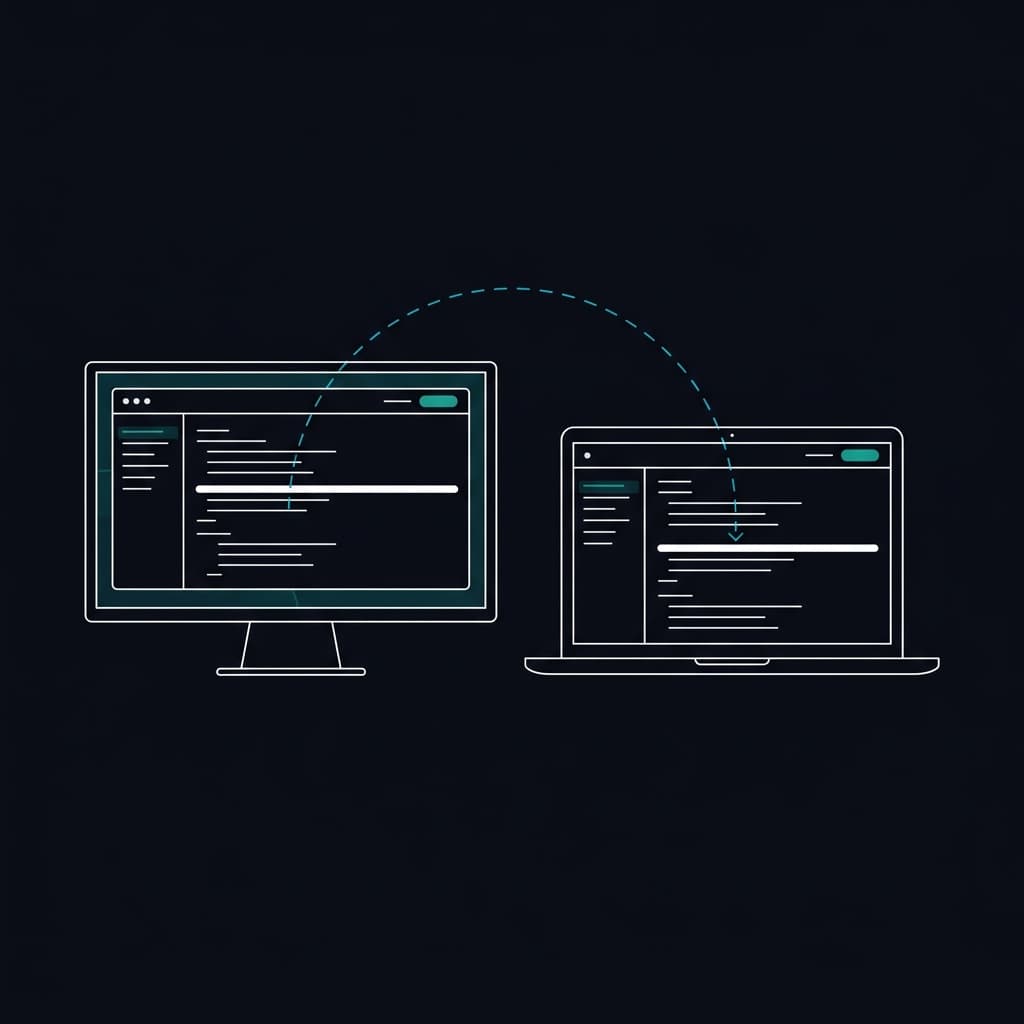
A multi-screen teleprompter for local and remote displays
Run the teleprompter from one operator device and send the script to viewer displays on laptops, tablets, TVs, studio monitors, or browser-source overlays. Each viewer follows the prompting session while keeping its own reading layout. The workflow is powered by PaceMirror™, EasyPrompter's trademarked, patent-pending synchronization technology.
Keep viewers aligned without duplicating a desktop
Shared Script Position
Keep the operator and viewer displays at the same place in the script as playback changes.
Per-Display Layout
Adapt scrolling and layout to each viewer's screen size and settings.
Compatible Browser Displays
Use laptops, tablets, TVs, studio monitors, and other compatible browser devices as viewer displays.
Synchronized Blackout
Black out every synced display simultaneously from the operator screen. Perfect for commercial breaks, segment transitions, or setup time between takes.
How it works.
The Operator
Open the script on your main device. This becomes the master controller for speed, playback, and edits.
The Viewers
Click 'Connect Display' to generate a secure link or QR code. Open it on any TV, iPad, or phone in the room.
The Sync
Hit play. Every connected screen mirrors the operator's exact position in real time. Scroll, pause, or jump ahead, and every viewer follows instantly.
See how teams use Remote Casting
Connect your first viewer display
Set up a browser-based multi-screen prompting workflow with independent viewer settings.
Try EasyPrompter